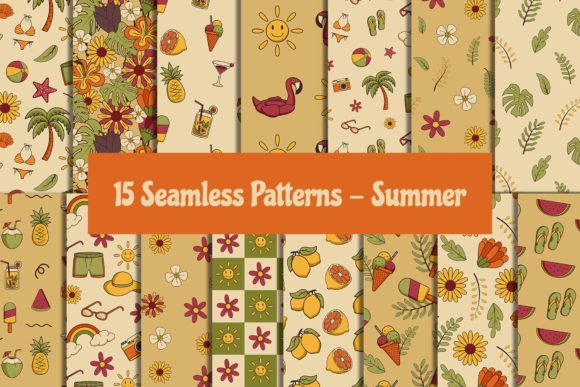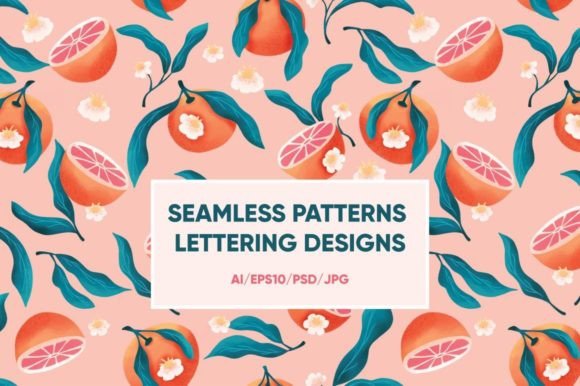
Patterns Lettering – 53 Files
If you’ve ever spent hours layering textures, adjusting letter spacing, or hunting for a background that doesn’t compete with your typography—you’ll recognize the quiet relief of having well-crafted, ready-to-use assets at your fingertips. Patterns Lettering – 53 Files is exactly that: a curated set of seamless patterns and expressive lettering designs, delivered in multiple formats to match how real people work—not how software manuals assume they should.
What’s Inside—and Why Format Variety Matters
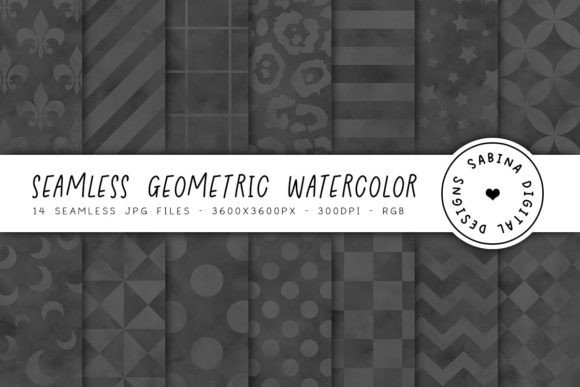
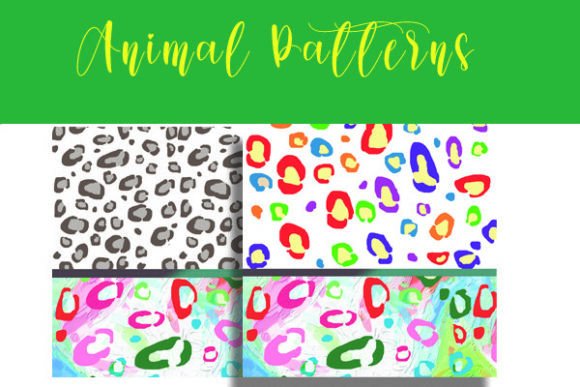
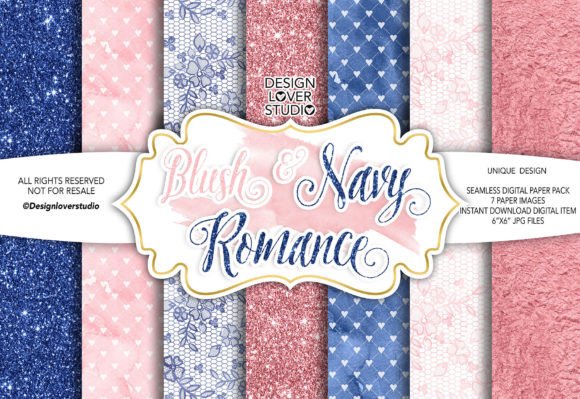
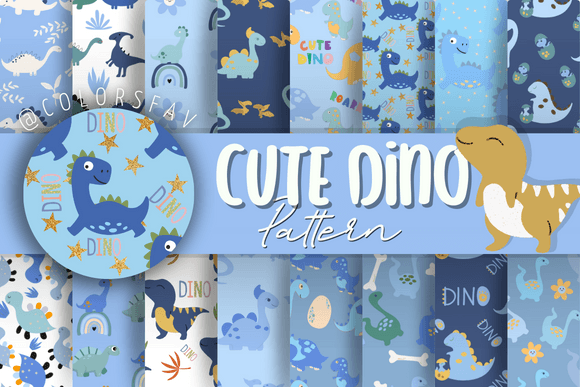
The collection includes 53 files total: 12 Adobe Illustrator (AI) files, 12 EPS10 files, 23 high-resolution JPGs, and 6 layered PSD files—each designed for lettering-focused projects. The vector files (AI and EPS) scale infinitely without quality loss, making them ideal for logos, signage, or large-format prints. The JPGs offer instant usability for web banners, social media posts, or mood boards where editing isn’t needed—just drag, drop, and go. The PSD files preserve layers, blending modes, and editable text masks, giving designers room to tweak color overlays, add shadows, or integrate custom copy without starting from scratch.
This mix isn’t arbitrary. It reflects how different tools fit into different workflows—and how people move between roles. A freelance graphic designer might open an AI file to build a client’s brand guideline; a small business owner updating their Instagram feed might drop a JPG into Canva; an educator preparing a typography lesson could use the PSD layers to demonstrate hierarchy and contrast.
How Beginners Experience This Collection
For someone just learning design software, the biggest hurdle isn’t creativity—it’s confidence in execution. With Patterns Lettering – 53 Files, beginners benefit most from the JPGs and PSDs. No need to understand Bezier curves or pathfinder tools yet—just open a JPG as a background in PowerPoint or Google Slides and overlay clean text. Or use a PSD file in free alternatives like Photopea to experiment with layer opacity, color fills, or clipping masks. The lettering isn’t just decorative; it’s a visual reference for spacing, weight balance, and rhythm—learning by doing, not by memorizing terms.
Beginners also appreciate clarity over complexity. Since each file is named descriptively (e.g., “Geometric Sans Serif Over Woven Pattern”) and organized by style rather than technical category, there’s less guesswork and more intuitive browsing.
Why Professionals Reach for These Files
Experienced designers don’t just want speed—they want reliability. When delivering a brand identity package, using a consistent, commercially safe pattern library avoids last-minute licensing checks or pixelated exports. The EPS10 format ensures compatibility across older and newer versions of Illustrator, InDesign, and even some CAD-adjacent tools used in packaging or textile design. And because all lettering elements are built with clean anchor points and minimal effects, they hold up under rigorous prepress review.
One illustrator we spoke with uses the AI files as base layers for hand-drawn reinterpretations—tracing over vector outlines to inject organic texture while preserving structural integrity. Another motion designer extracts paths from the AI files to animate letterforms in After Effects. Flexibility here isn’t about adding features—it’s about removing friction between idea and output.
Hobbyists & Educators: Low-Stakes, High-Impact Use
A pottery studio owner designing seasonal workshop flyers doesn’t need a full branding suite—just something warm, cohesive, and unmistakably handmade. They might combine a soft watercolor-pattern JPG with one of the serif lettering PSDs, changing only the hue to match glaze colors. No subscription, no learning curve, no vendor lock-in.
In classrooms, educators use these files to ground abstract concepts. A high school art teacher projects a layered PSD onto a screen, toggling visibility of individual layers to show how foreground lettering interacts with background density. A university typography instructor assigns students to reverse-engineer spacing decisions from the vector files—measuring kerning pairs or comparing stroke contrast across weights. The collection becomes teaching material, not just decoration.
Business Owners & Marketers: Practicality First
Small business owners juggling five roles rarely have time to commission custom lettering—or vet third-party marketplaces for hidden usage limits. With Patterns Lettering – 53 Files, commercial use is straightforward: no attribution required, no per-project fees, no renewal clocks ticking. That means the same floral-patterned script file can appear on a café’s menu board, its holiday card, and its Etsy shop banner—without legal second-guessing.
Marketers building email campaigns or landing pages value the JPGs for fast A/B testing. Try three different pattern-lettering combos in Mailchimp previews within minutes—not days. The consistency across formats also helps maintain visual continuity when handing off assets to contractors or agencies.
What This Collection Doesn’t Promise—And Why That’s Honest
It won’t replace foundational design skills. You still need to understand contrast, alignment, and audience context to choose the right pattern for a tech startup versus a botanical apothecary. It doesn’t include fonts—just lettering as imagery—so if you need editable typefaces, this isn’t the solution. And while the files are optimized for clarity and scalability, they’re not generative or AI-assisted; they reflect human craftsmanship, not algorithmic variation.
That restraint is intentional. Not every tool needs to do everything. Sometimes the most empowering choice is a focused, well-made set—ready when you are, respectful of your time, and flexible enough to grow with you.
Does This Fit Your Next Project?
Ask yourself:
- You’re sketching a logo concept—do you need scalable vectors to test proportions across sizes? Yes → lean into the AI and EPS files.
- You’re building a printable workbook—do you need crisp, embeddable JPGs that won’t bloat your PDF? Yes → grab the 23 JPGs.
- You teach design basics—do you want layered examples students can dissect and rebuild? Yes → the PSDs are built for that.
- You run a boutique and update your site monthly—do you want variety without complexity? Yes → rotate through the JPGs and swap one PSD layer color to refresh visuals instantly.
There’s no universal “best” audience for Patterns Lettering – 53 Files. Its strength lies in how thoughtfully the formats serve distinct intentions—not in trying to be everything to everyone. Whether you’re refining a pitch deck at midnight or helping a teen explore visual communication for the first time, it meets you where you are, with what you actually need.